
Congeal
Collaborative workspace for personal and team use
- Organize projects, notes, and ideas in one workspace
- Free for Personal Use
- Team Plan: $12.99/month (10 seats included)
- Additional seats only $7.99/month
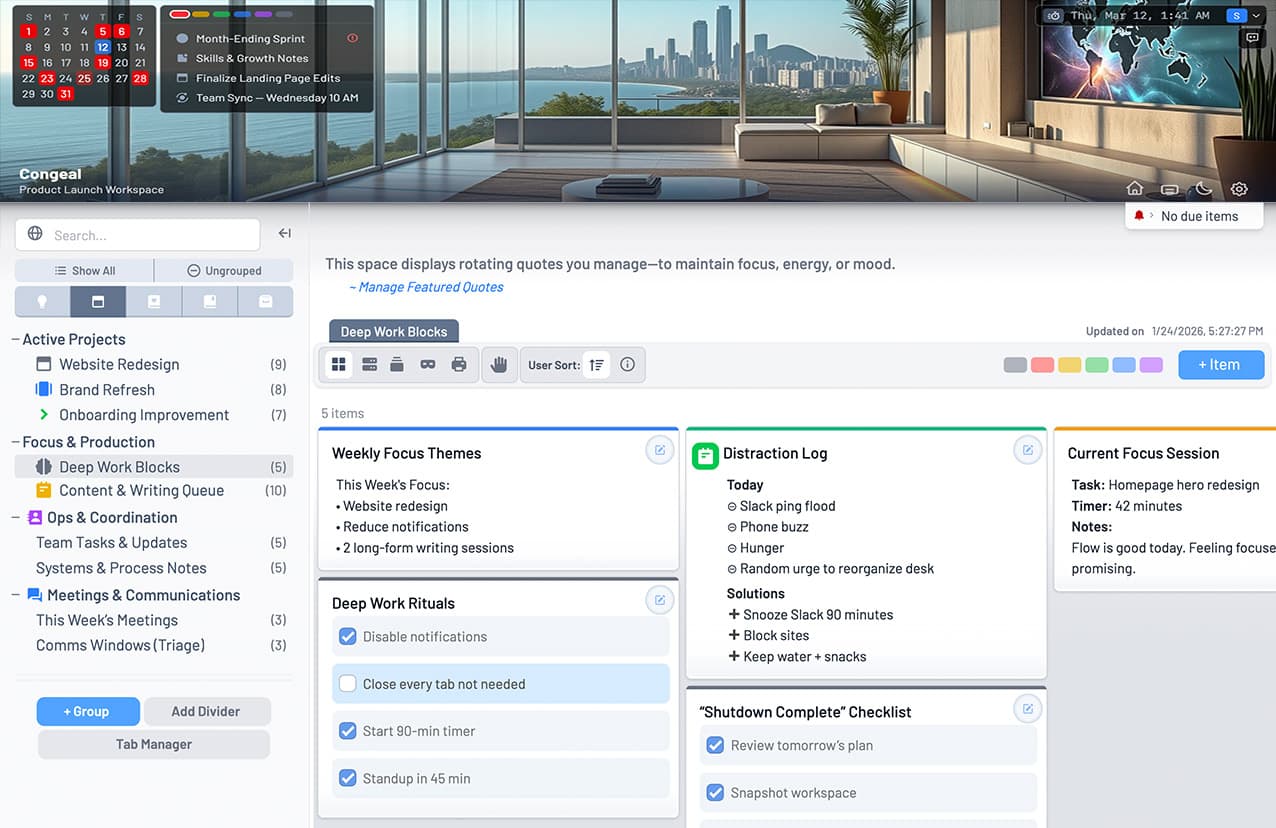

Collaborative workspace for personal and team use
Beautiful media browsing

See how Stoa extends into a free screensaver companion for ambient, infinite-scrolling playback of your media.
See how it worksTurn ordinary folders into rich, visual galleries.
No importing. No libraries. Nothing to migrate.
Most media apps ask you to copy your files into a proprietary library before they become enjoyable to browse. That means more storage, more background processing, and less clarity about where your files really are.
Stoa works directly with the folders you already have, so your media stays where it belongs.
Stoa turns ordinary folders into rich media galleries with masonry layouts, large previews, and a flow that makes browsing feel less like file management and more like exploration.
No importing. No migration. No library lock-in.
Rename, annotate, rotate, tag, review, and navigate from the keyboard. Use the sidebar, tab bar, folder bar, pinned files, and history to keep important locations close and repetitive tasks moving.
And when you want to lean back and browse, infinite autoscroll keeps the gallery moving for you.